How to use Rexton hearing aids
Guide to operating Rexton hearing aids
Getting started with your Rexton hearing aids is easier than you might think. Whether you’re adjusting to a new device or simply need a refresher, understanding the basic controls—like turning them on and off or restarting them—helps ensure smooth, uninterrupted hearing.
At Japebo, we want you to feel confident in your daily use of Rexton hearing aids. Below, we’ll guide you through essential handling tips and simple troubleshooting steps to keep your devices performing at their best.
How to turn Rexton hearing aids on and off
Knowing how to turn Rexton hearing aids on and off is one of the first things every user should master. The method depends on your model:
-
For rechargeable models (e.g., Rexton BiCore R-Li):
To turn on: Press and hold the button for about 3 seconds until the LED indicator blinks green.
To turn off: Press and hold the button until the LED blinks red, or simply place the hearing aids back in the charger—they will power off automatically. -
For battery-operated models:
To turn on: Close the battery door completely.
To turn off: Open the battery door to disconnect the power.
Turning your hearing aids off when not in use helps preserve battery life and reduces wear on components.
How to restart Rexton hearing aids
If your hearing aids aren’t responding or if the sound seems distorted, a quick reboot often solves the issue. Here’s how to restart Rexton hearing aids depending on the model:
-
Rechargeable models:
Turn the devices off and on manually using the push-button method described above. Alternatively, place them in the charger for a few seconds, then remove them again to trigger a fresh start. -
Battery-powered models:
Open the battery door, wait five seconds, then close it again. This resets the system and reinitiates normal function.
Restarting is a safe and effective way to clear minor glitches and restore connectivity to paired devices like smartphones or remote controls.
Everyday tips for using your Rexton hearing aids
Once you’ve mastered the basics, using your Rexton hearing aids becomes second nature. For best results:
-
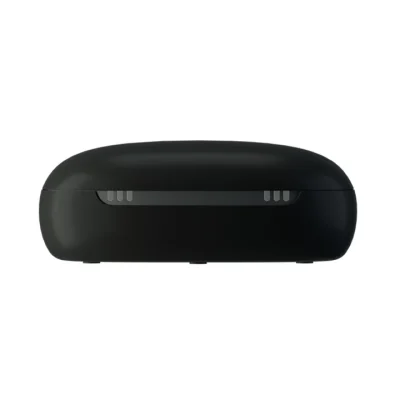
Charge your hearing aids overnight or replace the battery regularly
-
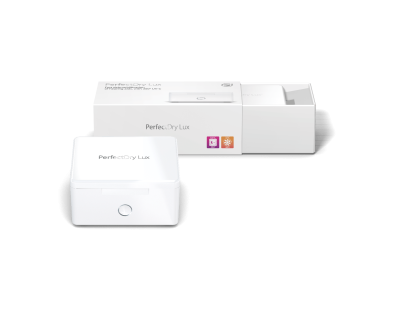
Store your devices in a dry, protective case or drying box when not in use
-
Use the Rexton app for personalized settings and volume adjustments
-
Pair with original Rexton wireless accessories to expand functionality and control
Explore more Rexton guides
Want to keep learning about your hearing aids? These helpful resources are designed to enhance your Rexton experience:
-
Step-by-step tips on cleaning and maintaining your hearing aids
-
Instructions for pairing and connecting to phones, TVs, and more
-
Read our Rexton brand overview to learn who makes them and why they’re trusted
At Japebo, we’re here to support you with original parts, practical guides, and expert service—every step of the way.